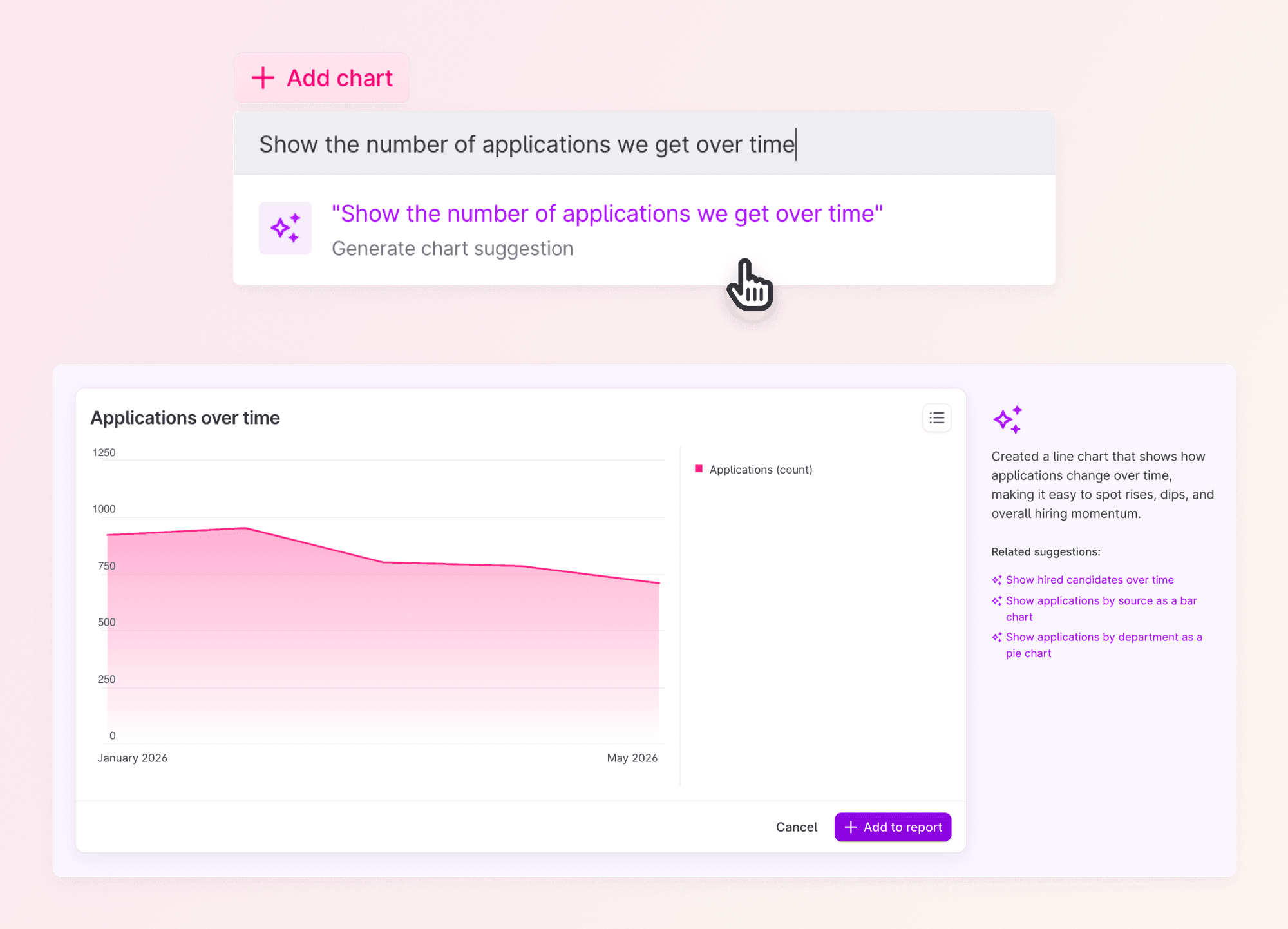
Just describe the chart you want, and Co-pilot generates it for you.
Creating custom reports just got a whole lot easier. Instead of clicking through settings to configure a chart, you can now simply describe what you want to see, and Co-pilot takes care of the rest.
From idea to chart in seconds
Adding a new chart to your custom report used to mean picking the right data, choosing the chart type, and fine-tuning the settings until it looked right. Now you can skip straight to the result.
Make it yours
The chart Co-pilot builds is fully editable, just like any other chart in your custom reports. Tweak the filters, change the type, and move it around your report to get it exactly the way you want.
Get started
- Head over to Analytics and open a Custom historic report.
- Add a new chart and choose to build it with Co-pilot.
- Describe the chart you want and see it generate.

This is now available for everyone with Co-pilot enabled, one more way to make data-driven recruitment effortless. You can read more in our support article.
Happy reporting!
❤️ / The Product Team